
Super Mushroom Pixel cursor
267Free
Cute custom cursor with Super Mario includes a mouse cursor in the form of super mushroom and a hover pointer with the star.
Install the Cursor Space extension for Chrome or Cursor Space for Edge in your browser.
On this page, click "Add this cursor pack to the extension".
Open the extension and go to the Packs tab.
Find the custom cursor pack "Deltarune Rouxls Kaard cursor" and click it.
Enjoy!
Get this cursor pack and thousands of others by installing our extension. It's fast and free!
Deltarune Rouxls Kaard Cursor is a themed cursor pack you can add to your browser to personalize your pointer across common cursor states (default and pointer). Use it for everyday browsing, streaming, studying, or gaming-anywhere you want your cursor to match your vibe.
See how the cursors look before installing.
Add the pack to the extension in a few clicks.
Designed for Chrome and Edge via the extension.
Quick answers to common questions about cursor packs, collections, and installation.
Yes. To apply cursor packs in Chrome or Edge, install the Cursor Space extension and add this pack to it.
Cursor packs are designed for Chromium browsers like Chrome and Microsoft Edge.
Open the extension, choose another pack or disable the current one to return to your default cursor.
Custom cursor and packs - neon, anime, pixel art. Quickly add to Chrome and Microsoft Edge for free
Cute custom cursor with Super Mario includes a mouse cursor in the form of super mushroom and a hover pointer with the star.
A mouse cursor and custom pointing pointer in the Naruto custom cursor collection.

Upgrade your browsing with the Vibrant Orange Gradient Cursor. This custom cursor offers a seamless orange gradient, merging style with functionality
We are glad to present this elegant custom cursor with My Melody from the adorable custom cursors collection for the mouse and pointer Hello Kitty.
Add color and charm to your browsing with the Colorful Gradient Textures custom cursor. Express your style with this vibrant custom cursor for Google Chrome.
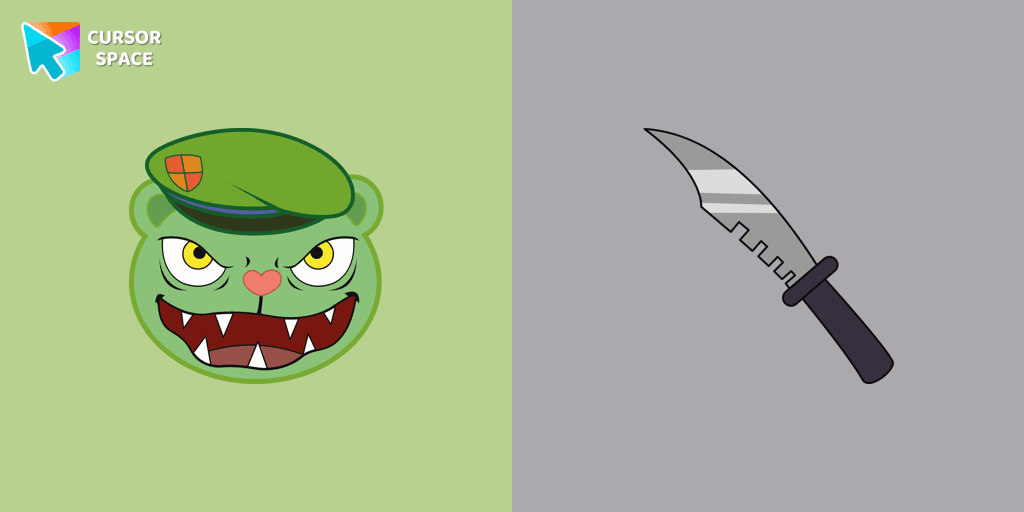
Fliqpy custom cursor for Google Chrome brings the dark side of Happy Tree Friends to your screen, featuring his weapon as a hover pointer for a sinister touch.
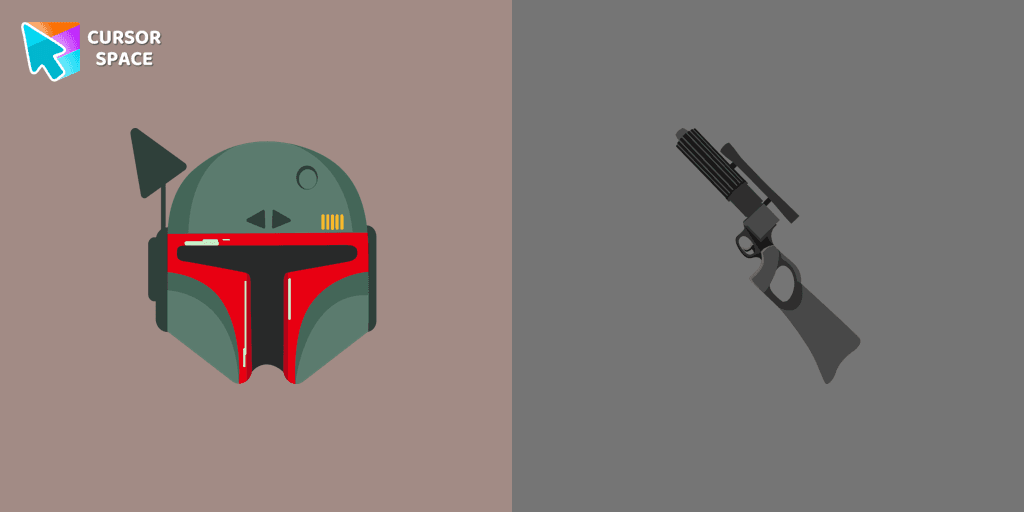
Star Wars fans will love our custom cursor for Google Chrome. Featuring Boba Fett's weapon and hover effect, it's perfect for your browsing experience
Installation leaders from "Undertale": free packs, neon/anime/pixel art, quick add to Chrome and Edge.

The awesome only custom cursor for mouse and pointer Lancer from our Undertale and Deltarune custom cursors collection for Chrome.
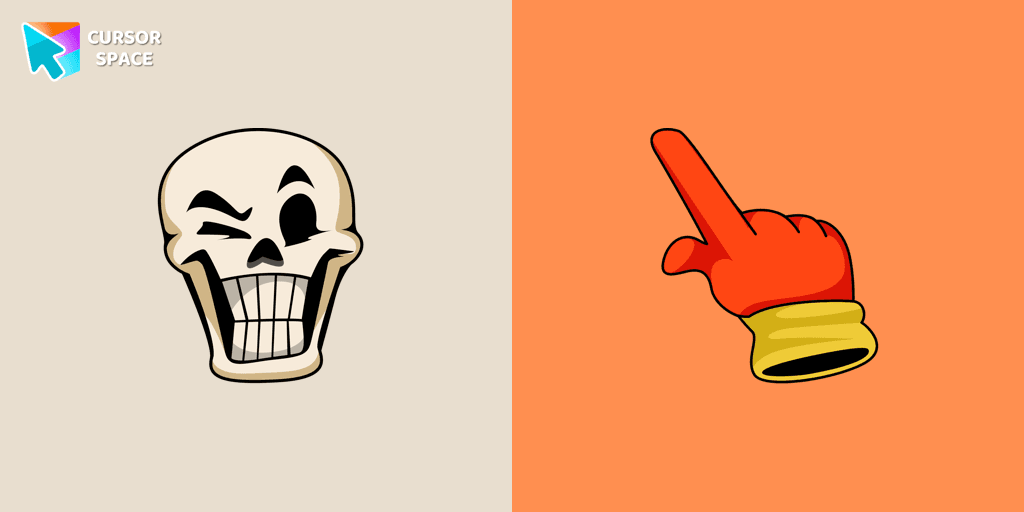
Authentic custom cursor with Papyrus in our Undertale and Deltarune cursors collection for Chrome browser.


Toriel cursor as a cursor for the mouse and pointer will look pretty nice on your screen.
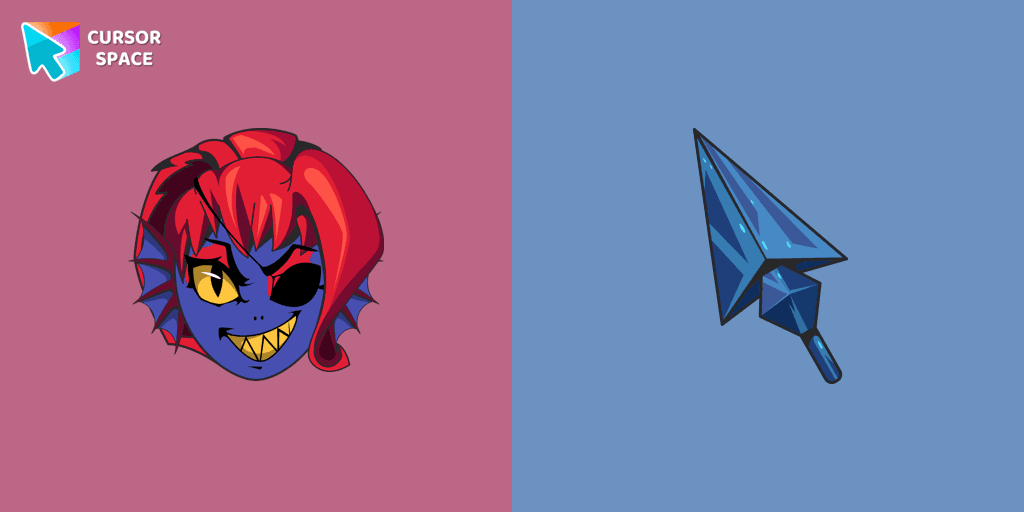
Undyne, a returning character from Undertale, is a secondary character in Deltarune. Undyne character as a custom cursor for mouse and pointer.

Undertale Gerson cursor for a mouse is a good fan art to decorate your browsing.
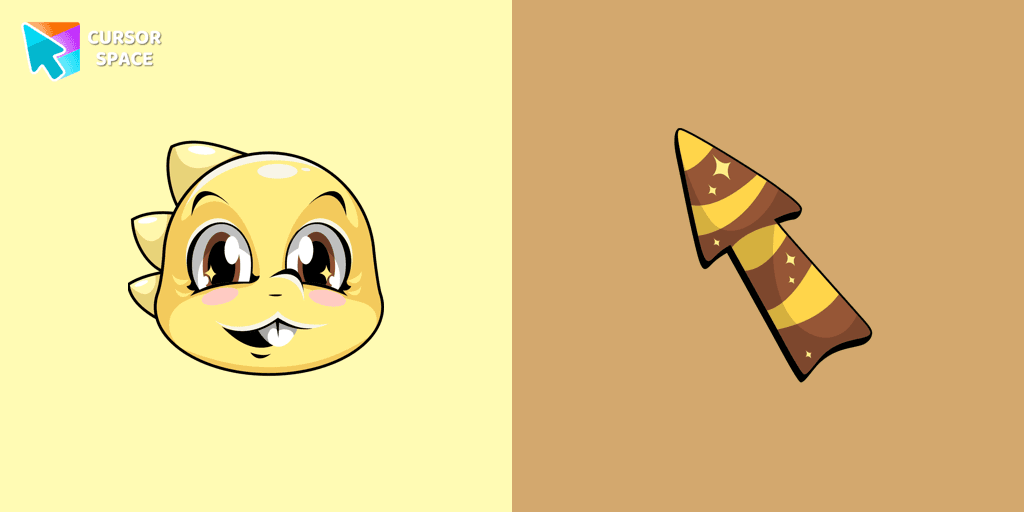
Add Monster Kid cursor in the collection of custom cursors with characters from Undertale and Deltarune for the browser.
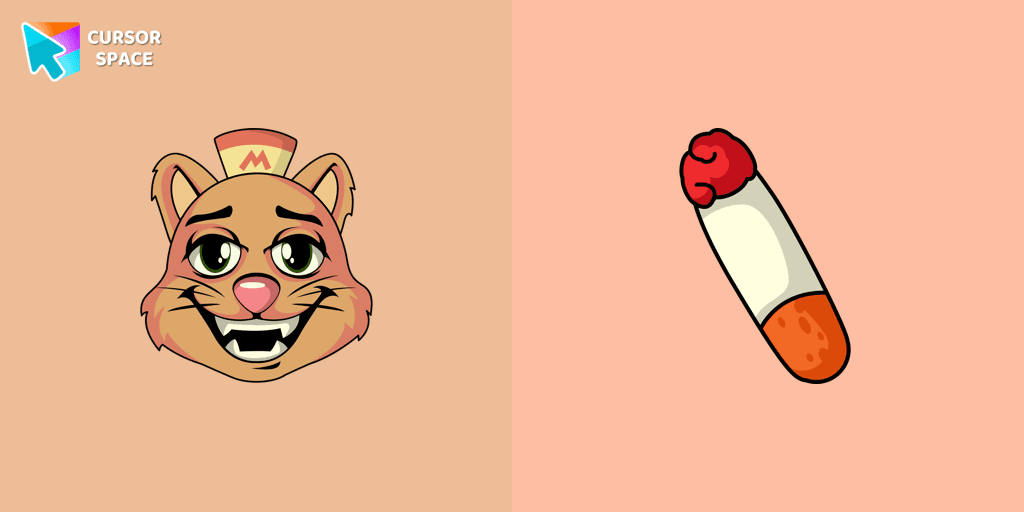
Burgerpants custom cursor for the mouse is a good fan art in Undertale and Deltarune cursor collection for Chrome.
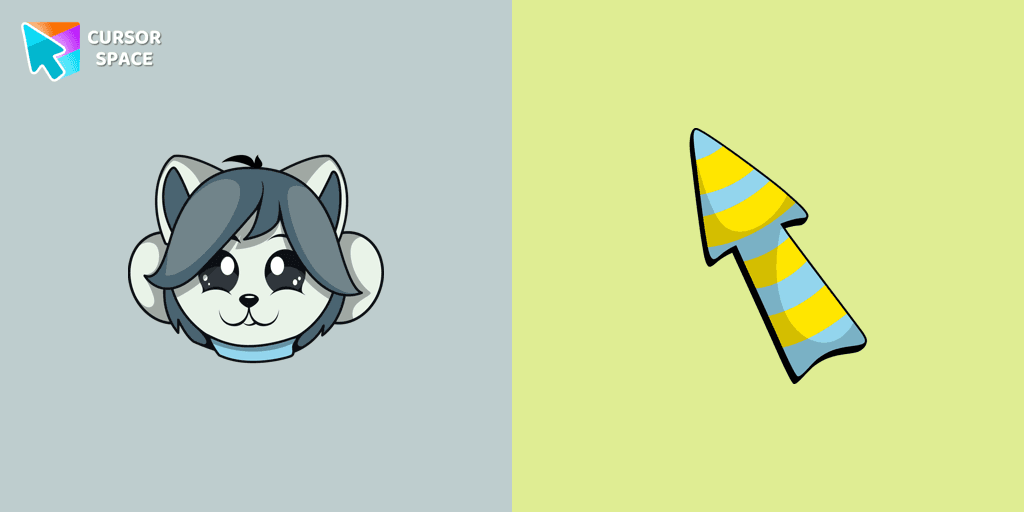
Temmie custom cursor for the mouse is a pretty monster in an Undertale and Deltarune cursor collection for Chrome.
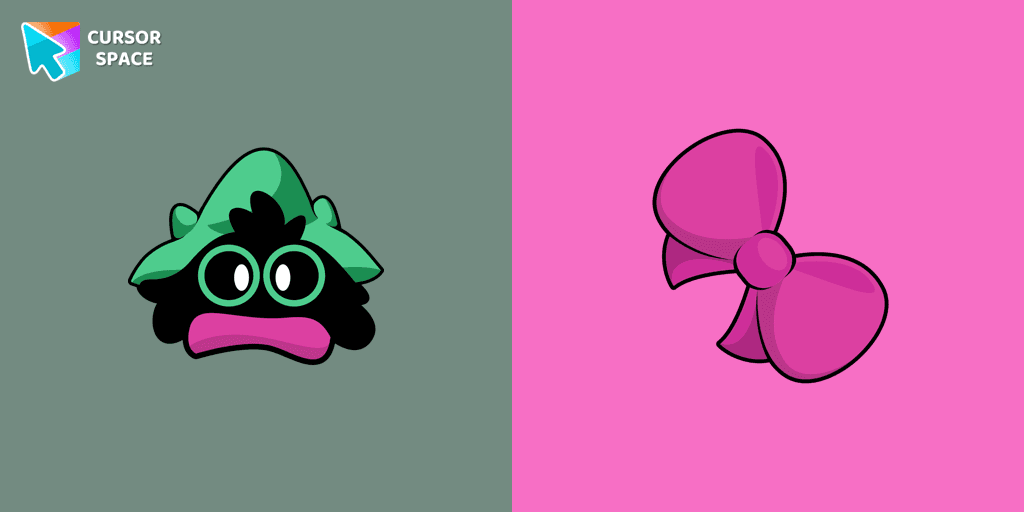
Custom cursor with Ralsei is a good opportunity to change the usual mouse to the cursors from the Undertale and Deltarune collection for Chrome.
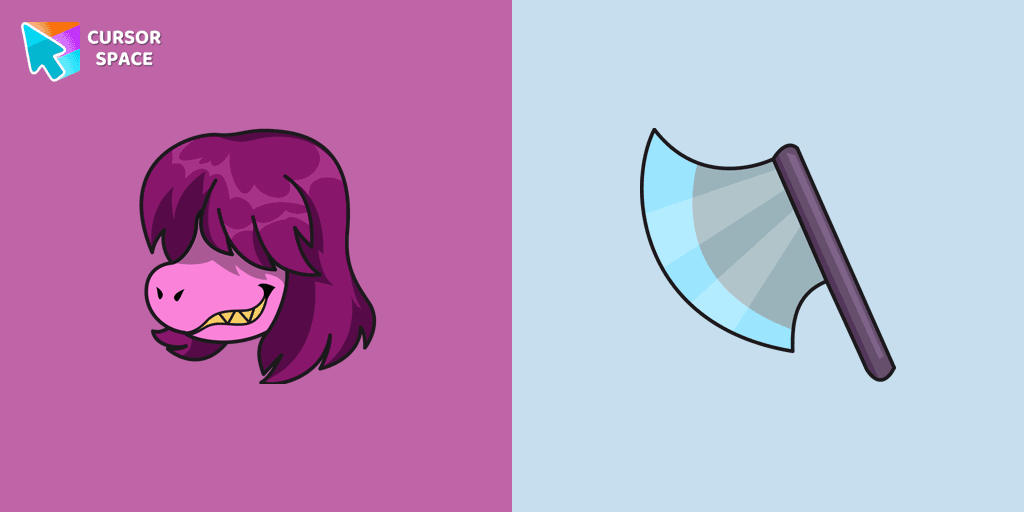
Susie custom cursor from our Undertale and Deltarune cursors collection for mouse and pointer.
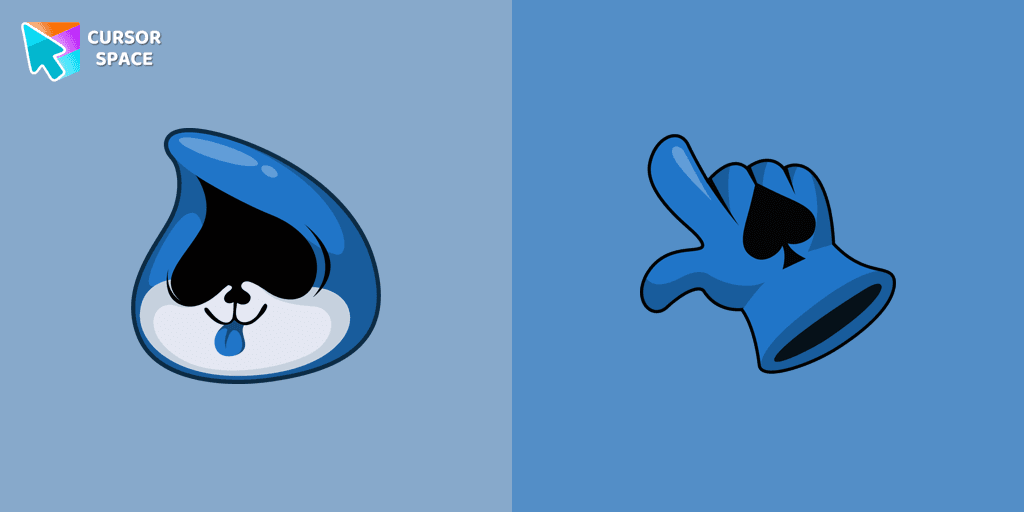
There is a custom cursor with a hand lancer and a Lancer as a hover in a set of Undertale and Deltarune cursors for Chrome.
Add packs instantly and unlock access to thousands of cursors: neon, anime, pixel-art, and more. Fast, safe, and free.
Cursor Space is an extension for changing your mouse cursor in Chrome and Edge browsers: themed collections, HiDPI icons, neon, animated, and pixel cursors, with quick installation.