
Orange gradient cursor
2.0kFree
Upgrade your browsing with the Vibrant Orange Gradient Cursor. This custom cursor offers a seamless orange gradient, merging style with functionality
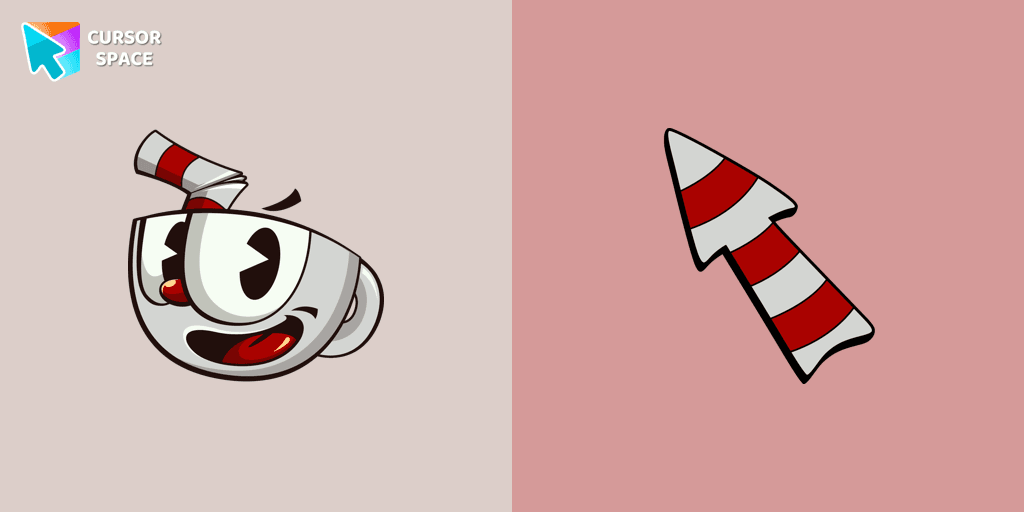
The Cuphead cursor is a Chrome extension that brings characters from the popular video game to life on your mouse cursor. It adds a touch of nostalgic charm and allows you to personalize your browsing experience with animated Cuphead and Mugman cursors
Install the Cursor Space extension for Chrome or Cursor Space for Edge in your browser.
On this page, click "Add this cursor pack to the extension".
Open the extension and go to the Packs tab.
Find the custom cursor pack "Cuphead cursor" and click it.
Enjoy!
Get this cursor pack and thousands of others by installing our extension. It's fast and free!
Cuphead Cursor is a themed cursor pack you can add to your browser to personalize your pointer across common cursor states (default and pointer). Use it for everyday browsing, streaming, studying, or gaming-anywhere you want your cursor to match your vibe.
See how the cursors look before installing.
Add the pack to the extension in a few clicks.
Designed for Chrome and Edge via the extension.
Quick answers to common questions about cursor packs, collections, and installation.
Yes. To apply cursor packs in Chrome or Edge, install the Cursor Space extension and add this pack to it.
Cursor packs are designed for Chromium browsers like Chrome and Microsoft Edge.
Open the extension, choose another pack or disable the current one to return to your default cursor.
Custom cursor and packs - neon, anime, pixel art. Quickly add to Chrome and Microsoft Edge for free
Upgrade your browsing with the Vibrant Orange Gradient Cursor. This custom cursor offers a seamless orange gradient, merging style with functionality
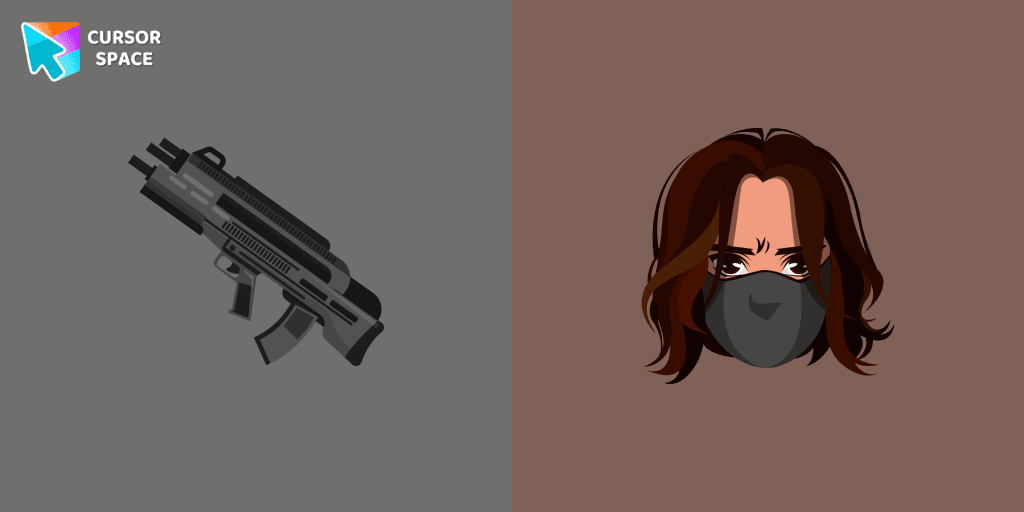
Add the Winter Soldier custom cursor for Google Chrome and bring a touch of mystery to your screen. Perfect for fans of the Marvel universe.
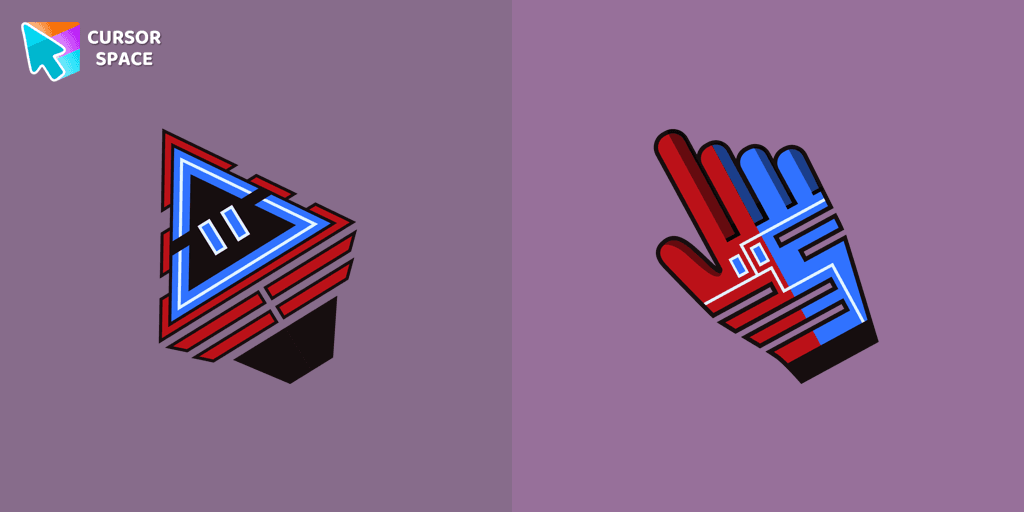
Improve your online experience with The Robot custom cursor. It's cute, customizable, and full of personality - your ideal internet companion is ready for you!
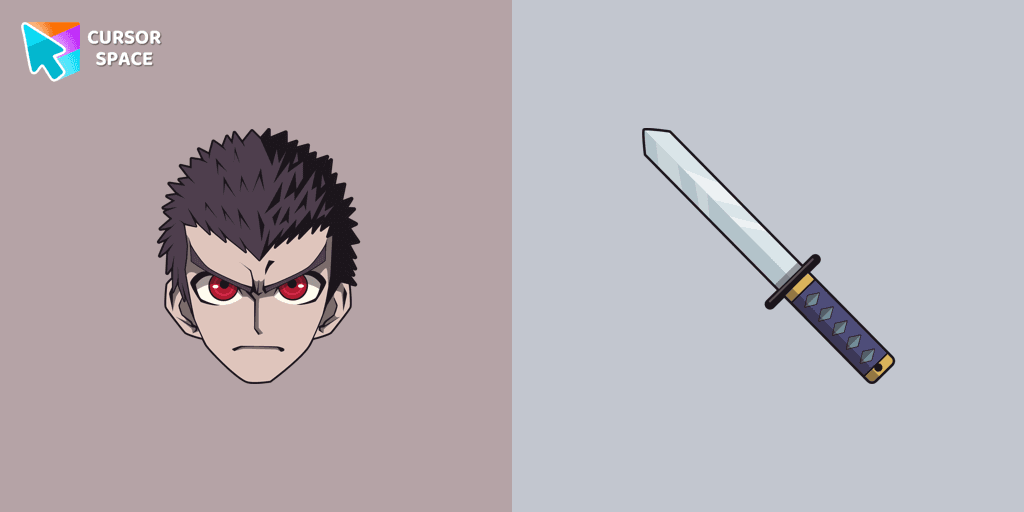
Discover the commitment of Kiyotaka Ishimaru, the Ultimate Attendant, featured in our custom cursor collection.

Upgrade your computer's interface with a stylish burgundy custom cursor, adding elegance, sophistication, and a personal touch to your browsing experience.

Enhance your browsing with the alluring Aqua custom cursor. Upgrade your custom cursor for Google Chrome and enjoy a fresh, stylish pointing experience.

Join the Galactic Battle with the Among Us Clone Trooper Dogma Character Cursor
Installation leaders from "Cuphead Custom Cursors": free packs, neon/anime/pixel art, quick add to Chrome and Edge.
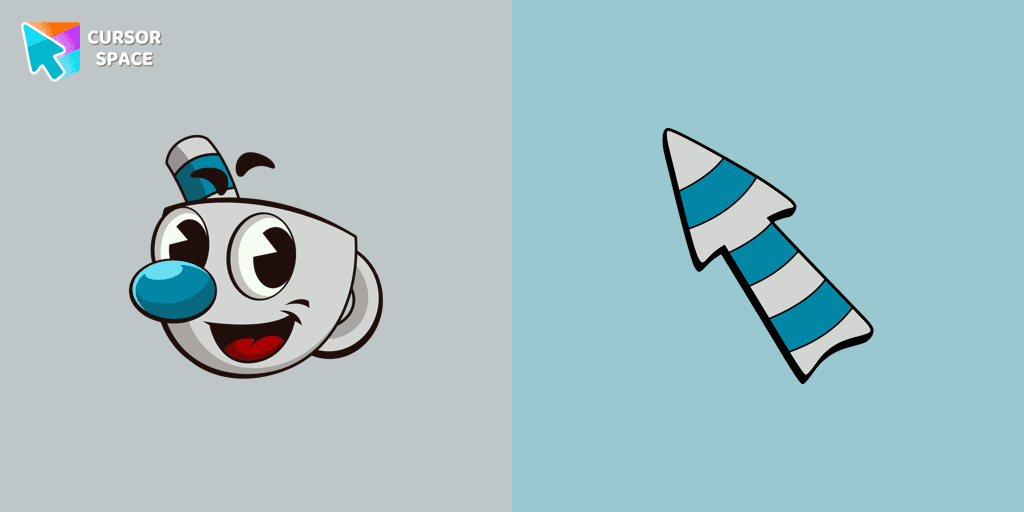
The Mugman custom cursor is a charming and unique addition to your browsing experience. Add personality with this adorable custom cursor for Google Chrome.
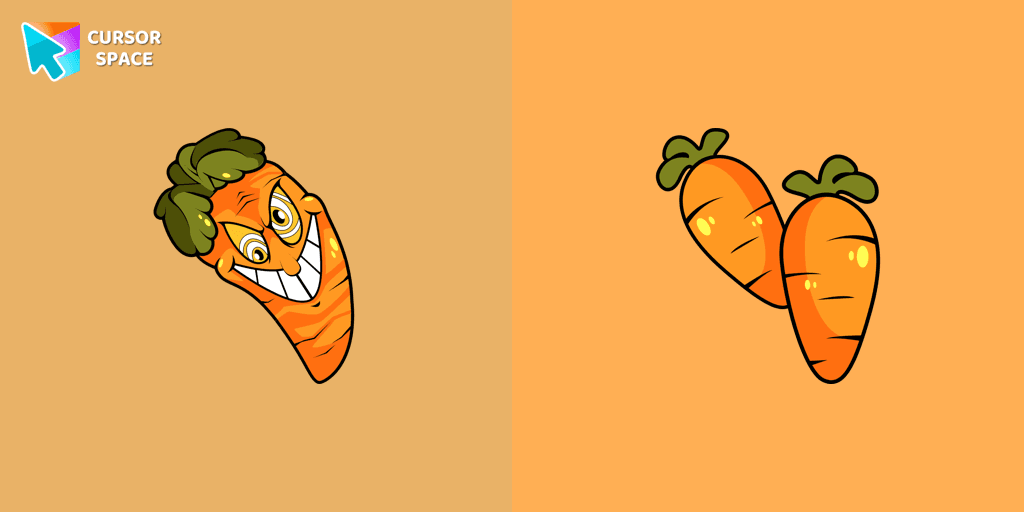
Our Cuphead custom cursors collection features a charming custom cursor called "Chauncey Chantenay" designed with beautiful artwork for your browser.
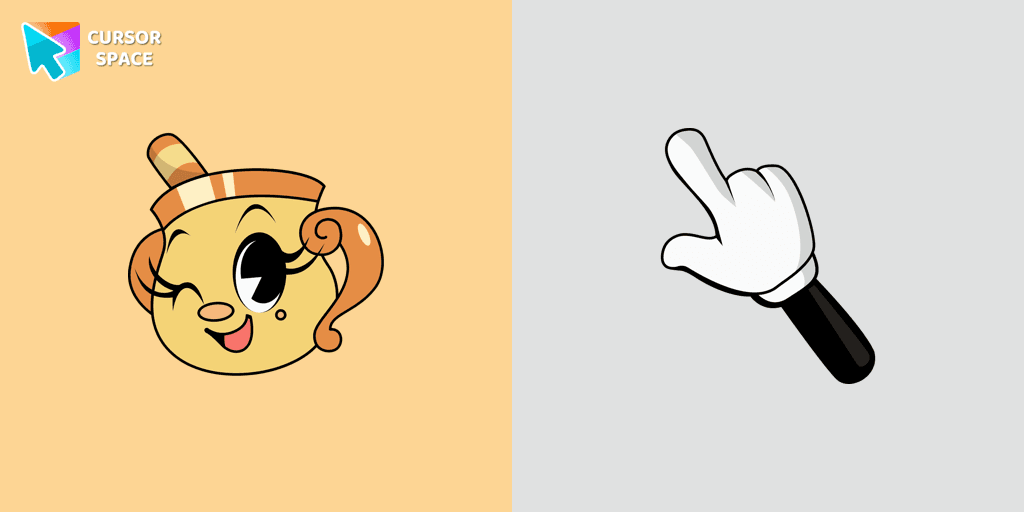
Experience the captivating Ms. Chalice custom cursor for Google Chrome. Inspired by the Cuphead game, this unique custom cursor brings Ms. Chalice to life in stunning detail
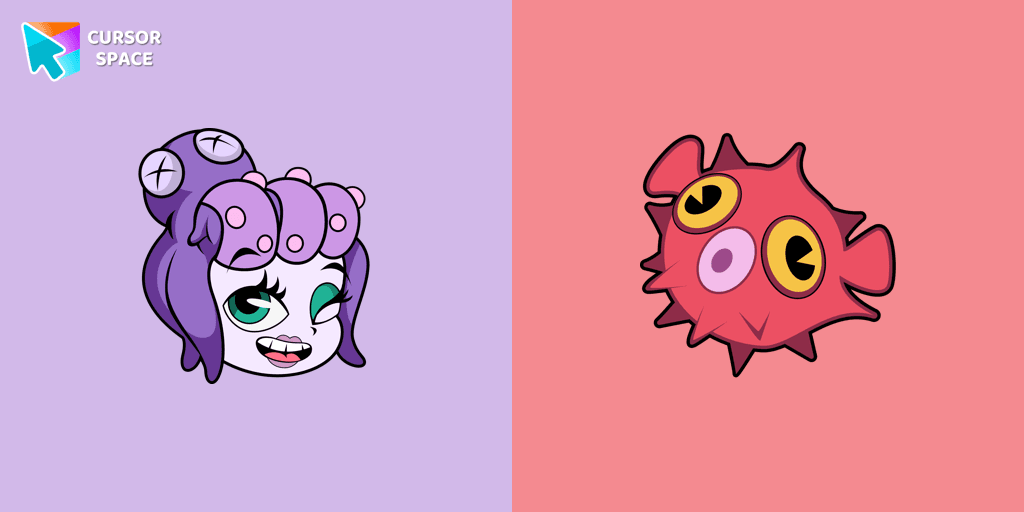
Enhance your browsing experience with the Cala Maria custom cursor for Google Chrome. This animated cursor brings the iconic Cuphead character to life on your screen.
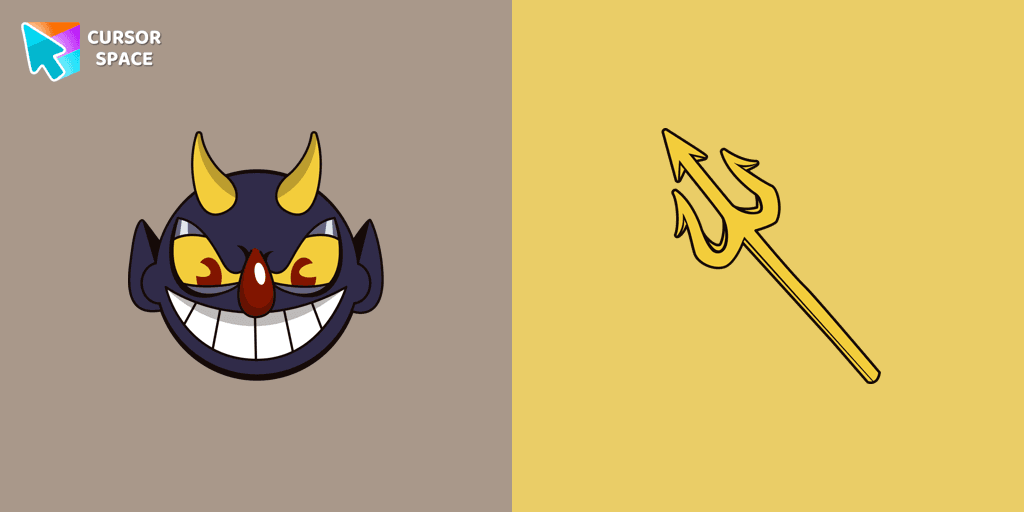
Add a touch of sinister charm with the Devil custom cursor from our Cuphead collection. Upgrade your browsing with this unique custom cursor for Google Chrome.
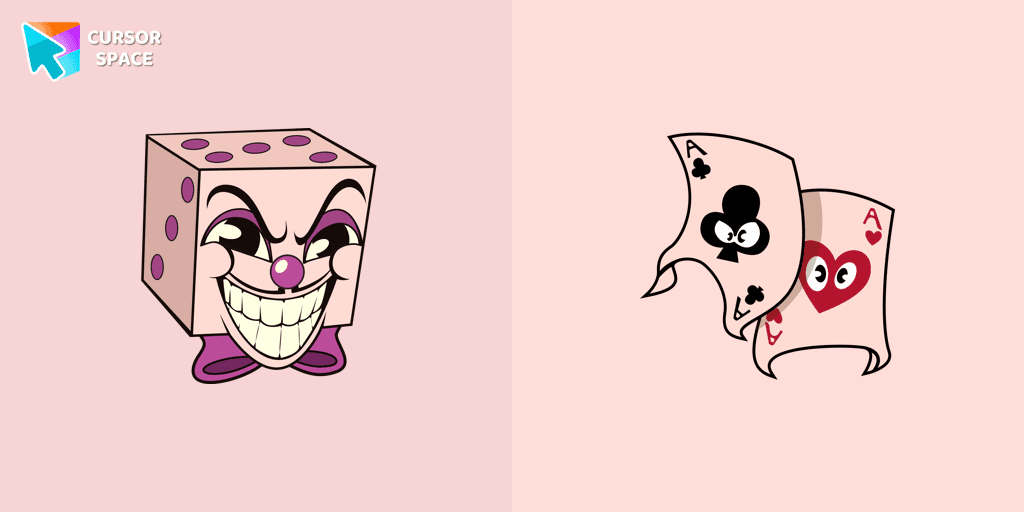
Add a regal touch to your browsing with the King Dice custom cursor. A unique and stylish custom cursor for Google Chrome, perfect for a refined experience.
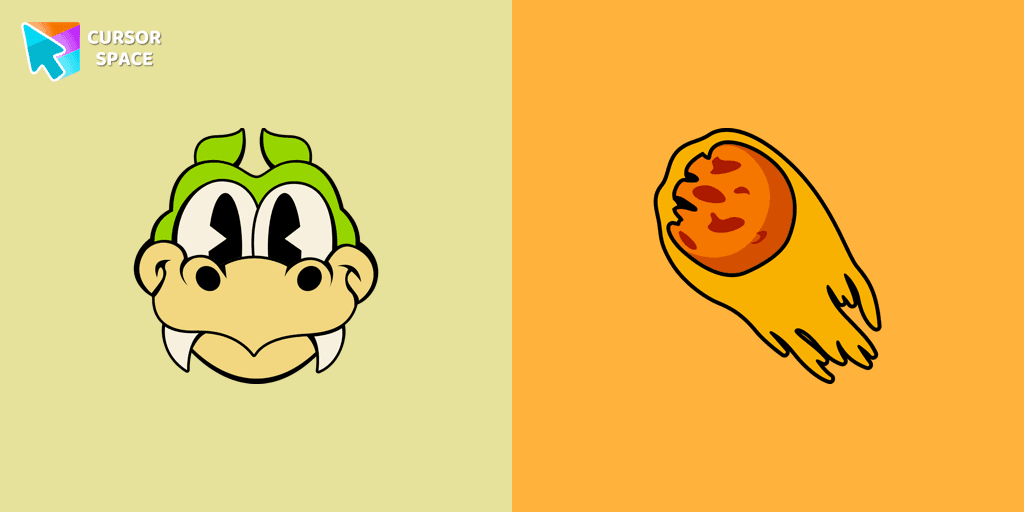
Enhance your browsing with the Grim Matchstick custom cursor for Google Chrome. This animated cursor brings the fiery charm of the Cuphead boss to your screen.
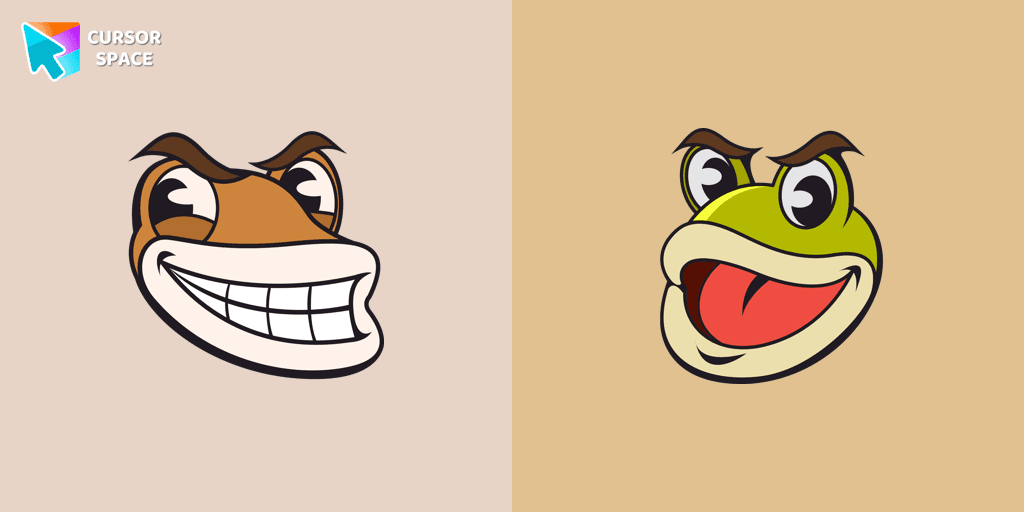
Ribby and Croaks custom cursor for Google Chrome brings the iconic Cuphead bosses to life. Enjoy an animated, dynamic cursor that enhances your browsing experience

Experience the Goopy Le Grande custom cursor for Google Chrome, bringing the playful Cuphead boss to life. Add fun and animation to your browsing experience.
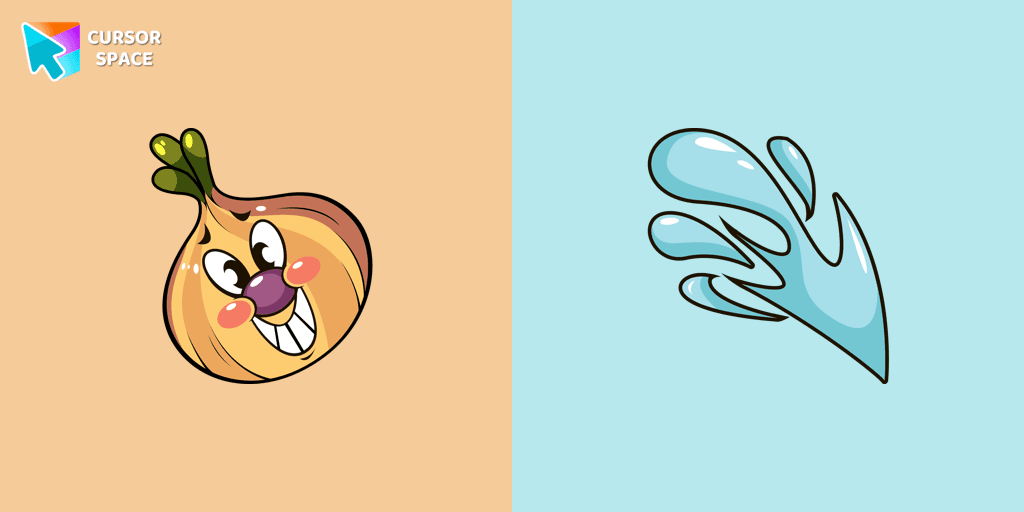
Introducing the adorable Ollie Bulb cursor from our Cuphead custom cursors collection. Spice up your mouse and pointer with this charming addition!
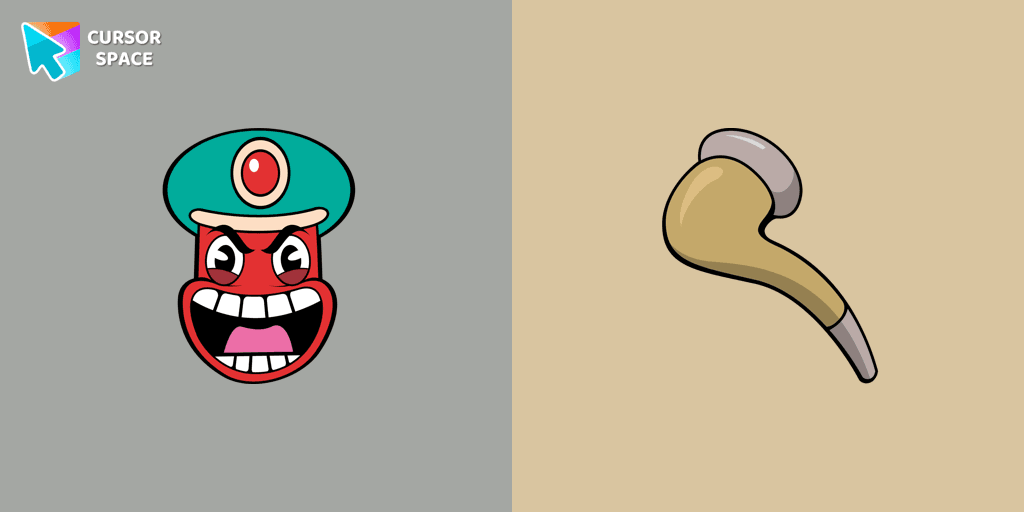
Transform your browsing with the Djimmi the Great custom cursor. This custom cursor for Google Chrome brings the magic of Cuphead to your screen.
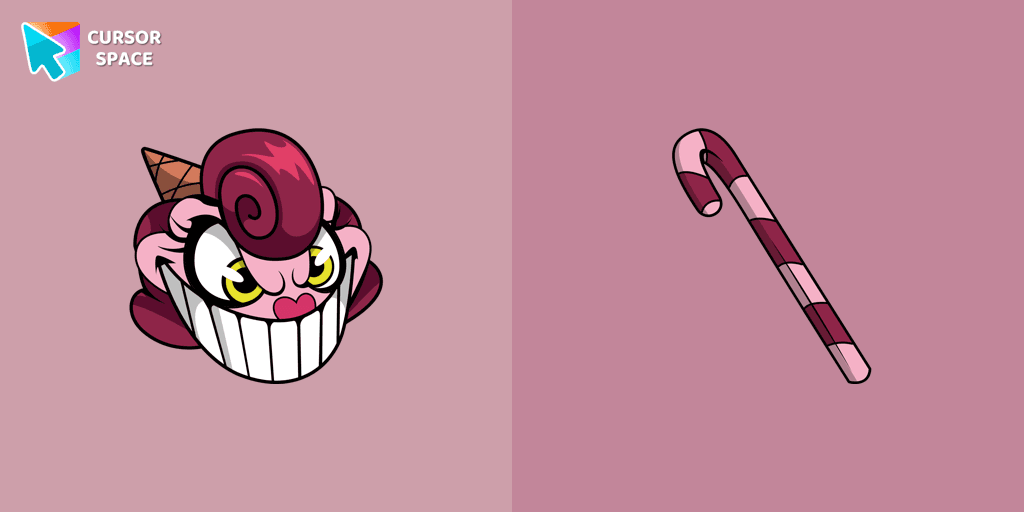
Baroness Von Bon Bon custom cursor for Google Chrome brings the Cuphead boss to life on your screen. Enjoy its animated and sweet design while browsing.
Add packs instantly and unlock access to thousands of cursors: neon, anime, pixel-art, and more. Fast, safe, and free.
Cursor Space is an extension for changing your mouse cursor in Chrome and Edge browsers: themed collections, HiDPI icons, neon, animated, and pixel cursors, with quick installation.